


Restores from the web UI
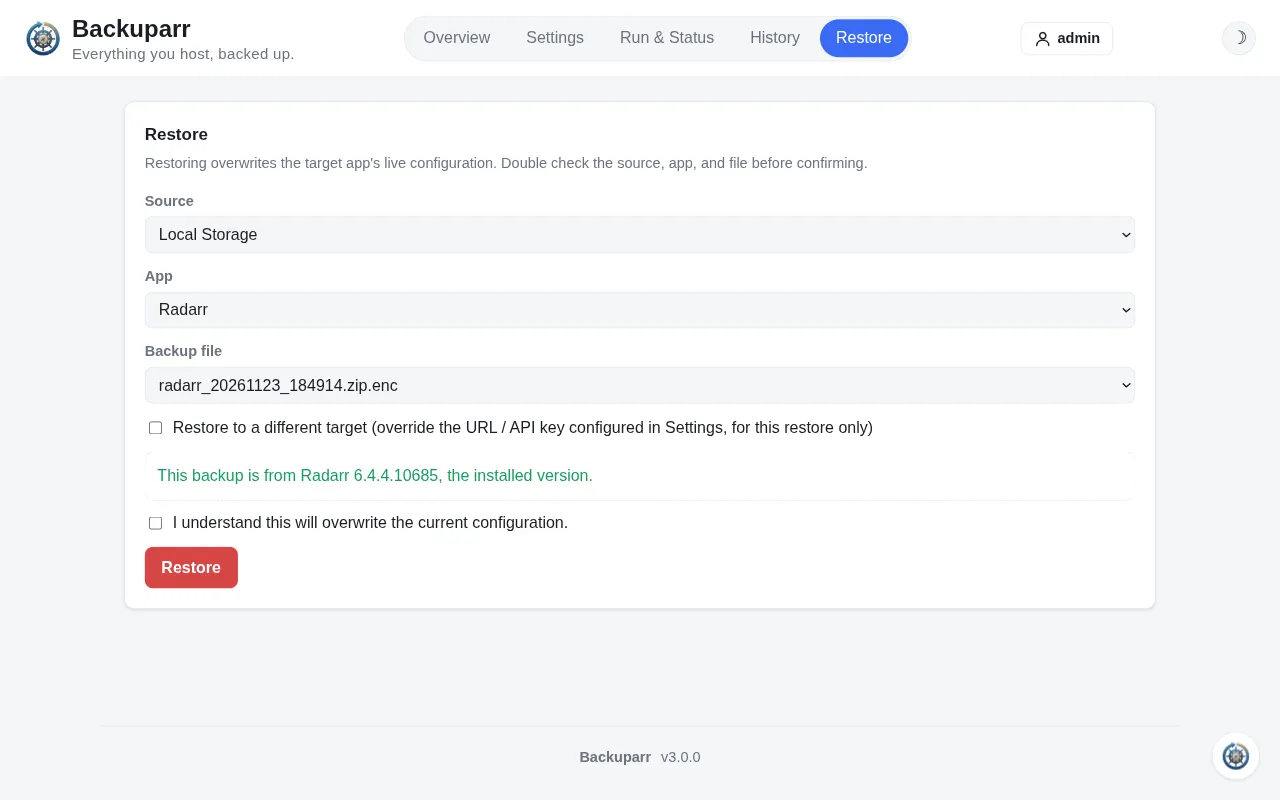
Most apps restore with live progress, onto the app version the backup came from, after checking the download’s checksum. The rest get the download and the steps.
RestoringScheduled backups of 27 apps you host, encrypted with your own key and sent to Local Storage, Google Drive, OneDrive and Dropbox.

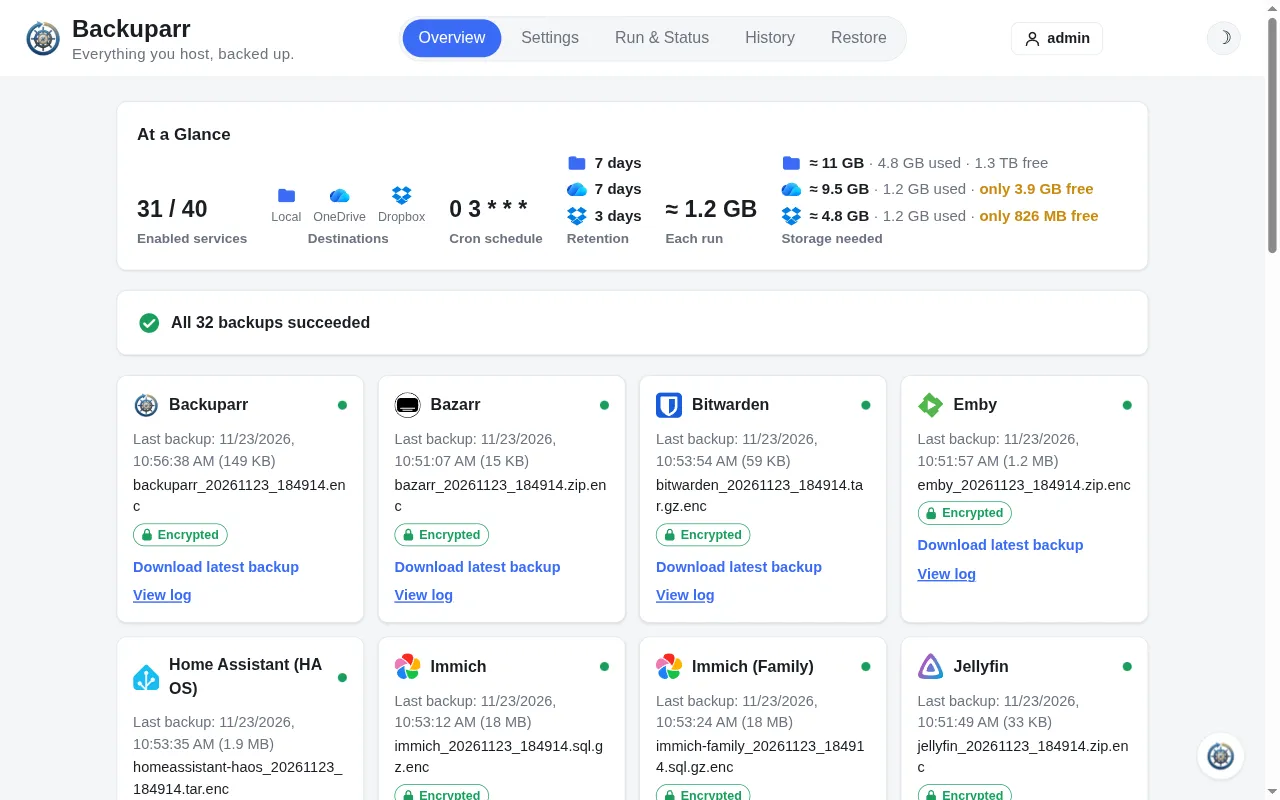
Your apps took hours to get right: indexers and quality profiles, libraries and users, firewall rules, automations. Many of them can make a backup, but it sits on the same disk as the app. Backuparr collects those backups on a schedule, gets them off the box, encrypted, and puts them back when you need them.
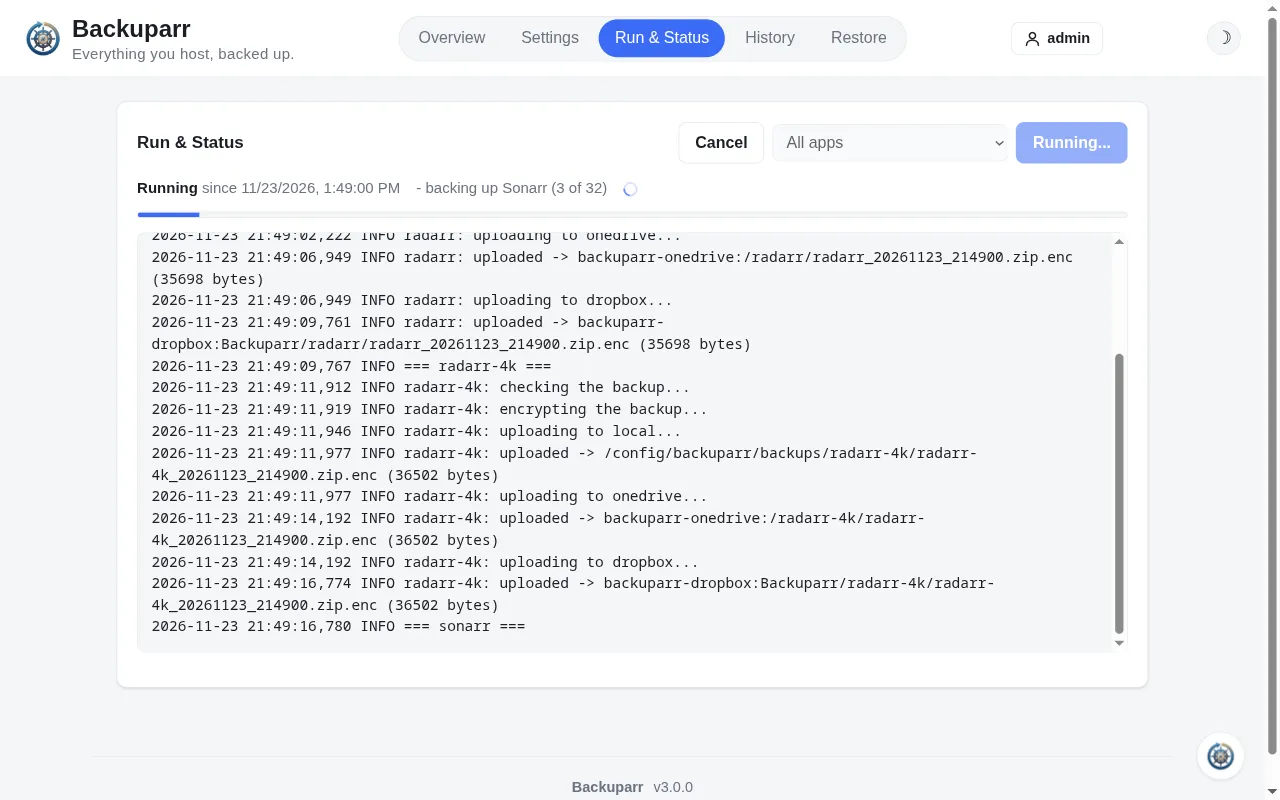
Backuparr asks each app for its backup over its own API or web UI, or reads it from the app’s mounted folder.
Each backup is opened and checked. A damaged one isn’t uploaded, and the app shows as failed with the reason.
It’s encrypted with your own key, and always for password managers, firewalls and Home Assistant.
It goes to every destination you enable. Retention then clears backups older than you keep, never an app’s newest.
27 apps in 7 categories
Most are backed up through their own API or web UI. How each app is backed up and restored
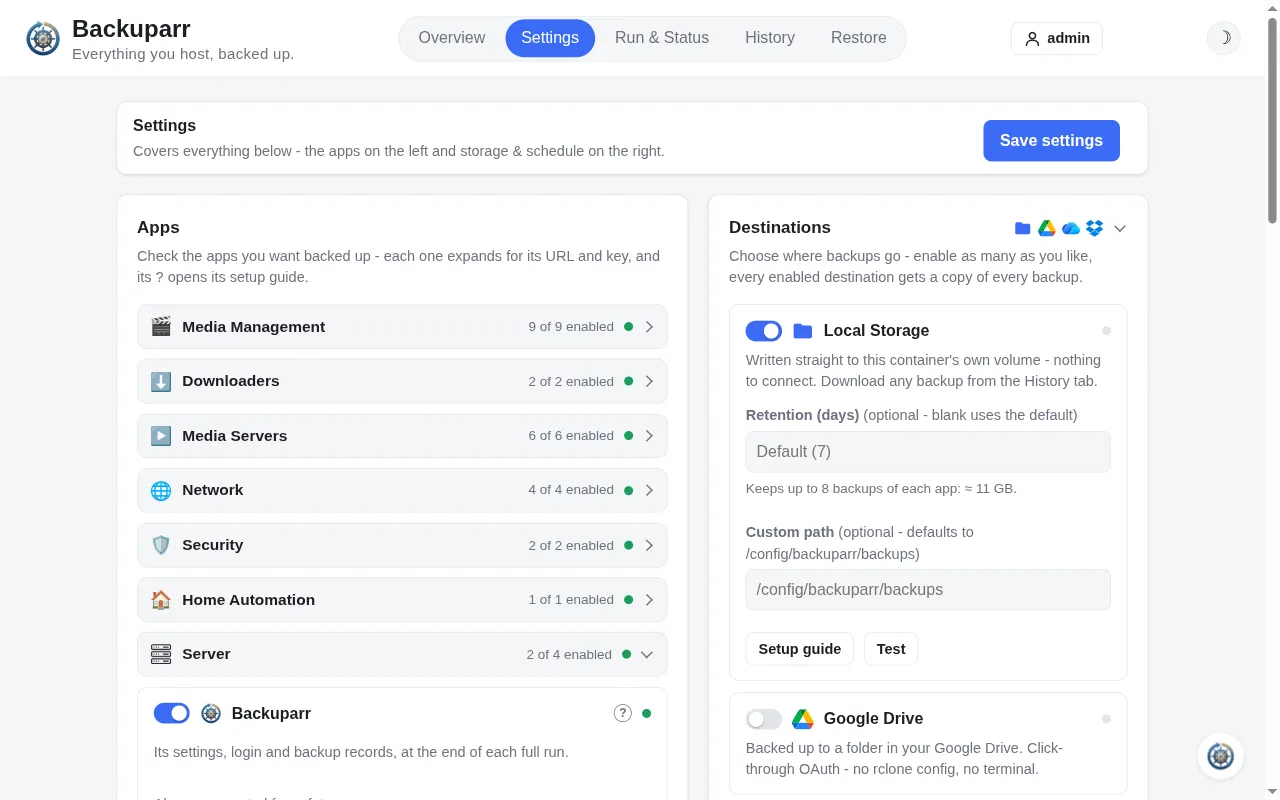
Every run uploads to each destination you enable. Cloud accounts are connected in the web UI, with no rclone config, and retention is set once or per destination. Destinations
 Local Storage
 Google Drive
 OneDrive
 Dropbox
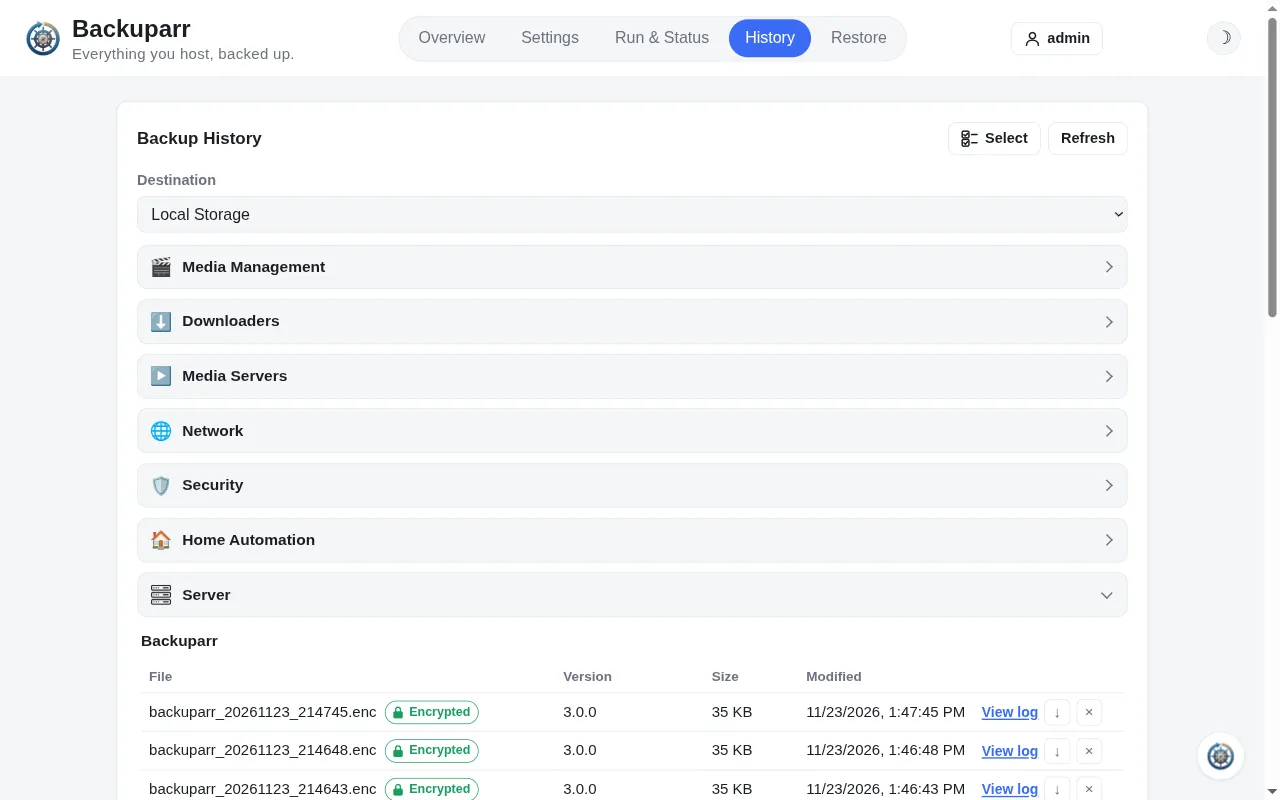
Most apps restore with live progress, onto the app version the backup came from, after checking the download’s checksum. The rest get the download and the steps.
RestoringBackups are encrypted before they leave Backuparr. The image’s decrypt command opens one without Backuparr, so a backup is never locked in.
Decrypting without BackuparrDaily, weekly, every few hours or any cron schedule. Retention shows the room it needs on each destination, beside what’s used and free.
Backups and historyA summary after every run to Discord, Slack, Telegram, Gotify, ntfy or a webhook, and a Home Assistant sensor for each app.
NotificationsUp to 10 extra instances of many apps, such as a 4K Radarr or a second firewall. Prowlarr discovery fills in the apps it knows, API keys included.
More than one instanceIts own settings, cloud connections, login and backup record, encrypted. Restore them from the setup screen on a new install.
Restoring Backuparr itselfBackuparr holds the keys to everything you host, so it’s built to keep them safe. Security principles explains what it protects, how, and what it leaves to you.
Add a backuparr service to the compose file that already runs your apps, so it can reach them by name.
services:
  backuparr:
    image: rsaturns/backuparr:latest
    container_name: backuparr
    restart: unless-stopped
    environment:
      - TZ=America/Los_Angeles
      - PUID=1000
      - PGID=1000
    ports:
      - "8990:8990"   # HTTP
      - "8991:8991"   # HTTPS, self-signed certificate
    volumes:
      - /share/Container/backuparr:/config/backuparr
Then docker compose up -d. The Docker guide has the folders some apps need mounted.
On the Apps tab, search for Backuparr and click Install. Unraid guide
Open https://<host>:8991, create the admin account and save the encryption key it shows: you need it to restore Backuparr. Then switch on your apps and a destination on the Settings tab. First run
Yes. It’s open source under the GNU AGPLv3, with no paid version and no account.
No. It backs up the apps: their settings, databases and their own backups. Immich’s backup is its database, not your photos, and Synology DSM’s and QNAP’s are their settings, not your files. Jellyfin, Emby and Plex can include their posters and metadata.
Only to the destinations you enable. Backuparr has no telemetry and sends no usage data.
Yes. The image’s decrypt command decrypts a backup with your key, leaving the app’s own backup or data. Decrypting without Backuparr
Docker, on linux/amd64 and linux/arm64, with images on Docker Hub and GitHub Container Registry. On Unraid, install it from Community Applications.
Open a feature request on GitHub with the app’s name and how it makes its backups. Request an app